 3D character
Guide · 8 min read
Game character art brief template
Copy the template below, fill in its ten short sections, and any 3D studio can quote your character accurately and build it to your engine’s limits.
Why the brief decides the quote
A 3D studio prices what it can see. When a brief says “game-ready” and “optimized”, the studio has to guess the triangle count, the number of materials, the skeleton and the size of the facial rig. Every guess turns into a range or a safety margin. When the brief states them, the quote becomes a number you can plan around.
Lemon Sky’s game art outsourcing guide lists five things a production-ready brief contains: visual references with callouts, technical specifications, scope and volumes, a timeline with review points, and a definition of done. A producer’s guide on DEV adds the target platform, the pipeline, file formats, deadlines and budget. The template below puts all of that on one page, in the order a character artist reads it.
Fill in what you know. Leave a field open rather than guess, and say that it is open: an open question in the brief is cheaper than a wrong answer in the model.
The template
Select the text, copy it into your document or tracker, and fill it in. Each numbered section is explained below.
GAME CHARACTER ART BRIEF
Project:                          Date:
Contact and final approver:

1. CHARACTER AND REFERENCES
- Name and role in the game:
- Concept art (front, side, back, face close-up):
- Material and color references:
- What must not change (silhouette, face, colors):

2. ENGINE AND VERSION
- Engine and exact version:
- Render pipeline and shaders:
- Sample asset or import settings to match:

3. TRIANGLE BUDGET PER PLATFORM
- Platform 1:            Triangles:           LODs:
- Platform 2:            Triangles:           LODs:
- Gameplay camera distance and close-up shots:

4. TEXTURE SETS
- Materials or texture sets per build:
- Resolution per set:
- Workflow (PBR, stylized, hand-painted):
- Channel packing and file naming:

5. SKELETON AND NAMING
- Existing skeleton to match (attached) or new rig:
- Bone naming and orientation:
- Extra bones (hair, cloth, tail, props):
- Mesh, material and texture naming rules:

6. FACIAL SCOPE
- None / bones / blendshapes / both:
- Standard sets (ARKit 52, visemes):
- Custom expressions (list them):

7. DELIVERABLES
- File formats (FBX, source files, textures, engine package):
- Variants, outfits and toggles:
- Documentation:
- Definition of done (what counts as accepted):

8. MILESTONES AND REVIEW OWNERS
- Milestones and dates:
- Reviewer for each milestone:
- Final approver:
- Review rounds per milestone:

9. BUDGET RANGE
- Range for this character or roster:
- Preferred payment structure:

10. USAGE RIGHTS
- Ownership and transfer:
- Portfolio display (when, and with what approval):
- NDA and reveal date:
A filled example
Short, specific answers are enough. Here is how four sections read with real numbers. They are the delivered specs of NUVIA-01, a faceless android built for PC and standalone VR, written the way a brief would state them:
3. TRIANGLE BUDGET PER PLATFORM
- Platform 1: PC               Triangles: about 64,000
- Platform 2: standalone VR    Triangles: about 15,000

4. TEXTURE SETS
- PC: ten material directions on one model
- Standalone VR: 1 material slot

5. SKELETON AND NAMING
- New rig: 138 bones on the PC build

6. FACIAL SCOPE
- None: the character has no face
A dozen lines, and a studio already knows it is quoting two builds with very different budgets, one material slot on the lighter one, a new skeleton and no facial rig. Each of those answers moves the price, and none of them can be read from concept art.
Why each field matters
1. Character and references
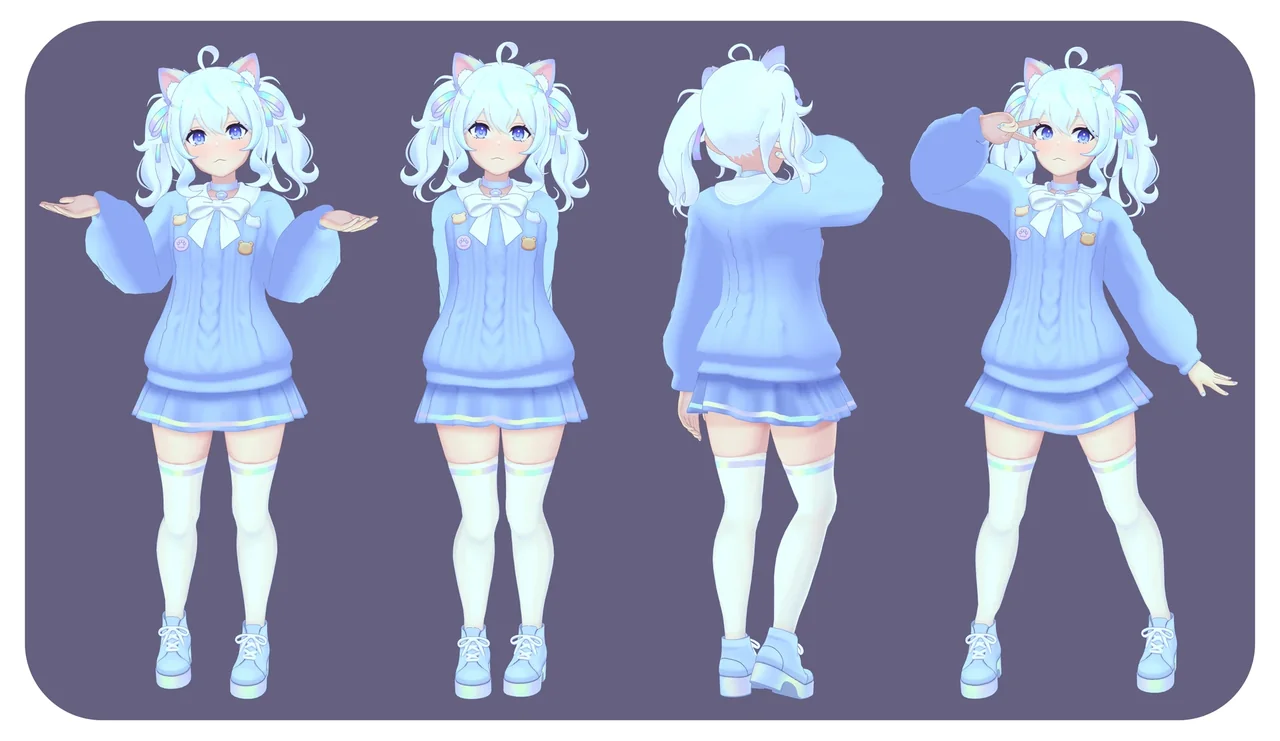
References come first in Lemon Sky’s list, with callouts. A front view alone leaves the back, the sides and everything under the hair to interpretation. Send front, side and back views, a close-up of the face, and notes on whatever is ambiguous: what the cape does when the character runs, how the hair falls behind the ears. Then name the anchors that must survive every variant. Our guide to shape language in character design explains how to choose them.
2. Engine and version
The engine decides scale, axis orientation, shader behavior and how a skeleton is imported. The version matters too: shaders and import settings change between releases, and a character tuned for one can look different in the next. Name the engine, the exact version and the render pipeline. If you can share one existing character or a sample scene, the studio matches your import settings instead of guessing them.
If your team retargets animation through Unity’s Humanoid system, say so. Unity’s Humanoid Avatar documentation describes how the engine identifies which parts of a model are the legs, arms, head and body, so animation can move between characters. That puts requirements on the skeleton from the first day.
3. Triangle budget per platform
This is the field that moves a quote the most, and the one most often left as “optimized”. Give a number for each platform, not a word. A character for PC and the same character for standalone VR are two different builds: NUVIA-01 runs at about 64,000 triangles on PC, and at about 15,000 triangles with one material slot on standalone VR.
Add the camera distance. A character seen from far away spends its triangles on the silhouette; one seen in close-up dialogue spends them on the face and hands. If you need levels of detail (LODs), list how many and at what reduction.
4. Texture sets
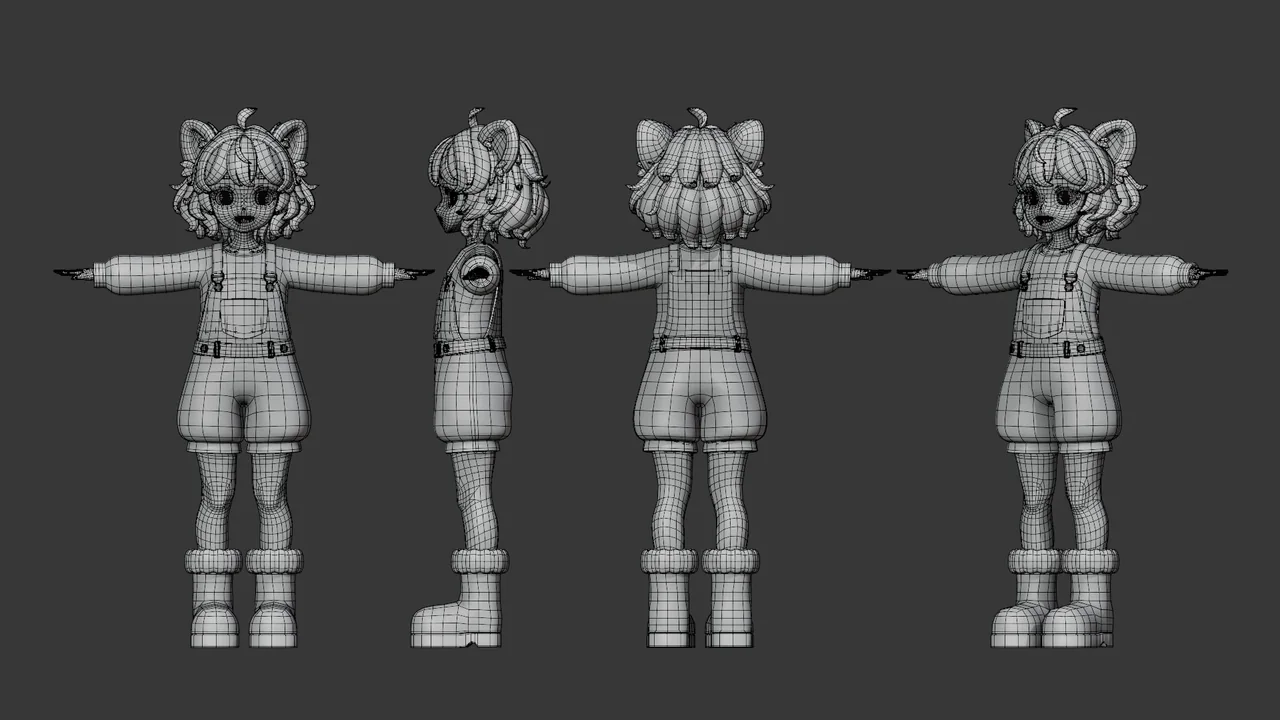
Each material on a character is usually at least one draw call, so the number of texture sets is a performance decision, not only an art one. State how many sets each build may use, the resolution of each, and the workflow: physically based (PBR) metal and roughness, stylized, hand-painted, or a stylized look on a PBR base. If your engine expects packed channels, such as metallic, occlusion and smoothness in one texture, or a file-naming pattern, write it down. A texture set delivered in the wrong packing costs a round of conversion.
5. Skeleton and naming
If your game already has characters, attach the skeleton. Matching an existing hierarchy, bone names and orientation lets the new character use the animations you already own. If it is a new rig, list the extra chains you expect: hair, cloth, tail, props and facial bones. Bone counts follow that scope: NumiNumi’s PC build uses 127 bones, LueLue’s rig 137.
Naming applies to everything that lands in your repository: meshes, materials, textures and shape keys. One naming rule in the brief saves a rename pass at handoff.
6. Facial scope
The face is one of the largest swings in a character quote. Be explicit about which of these you need:
- No facial rig, for helmeted or distant characters.
- A few key expressions for gameplay and emotes.
- Bone-based facial animation, if your animation team works that way.
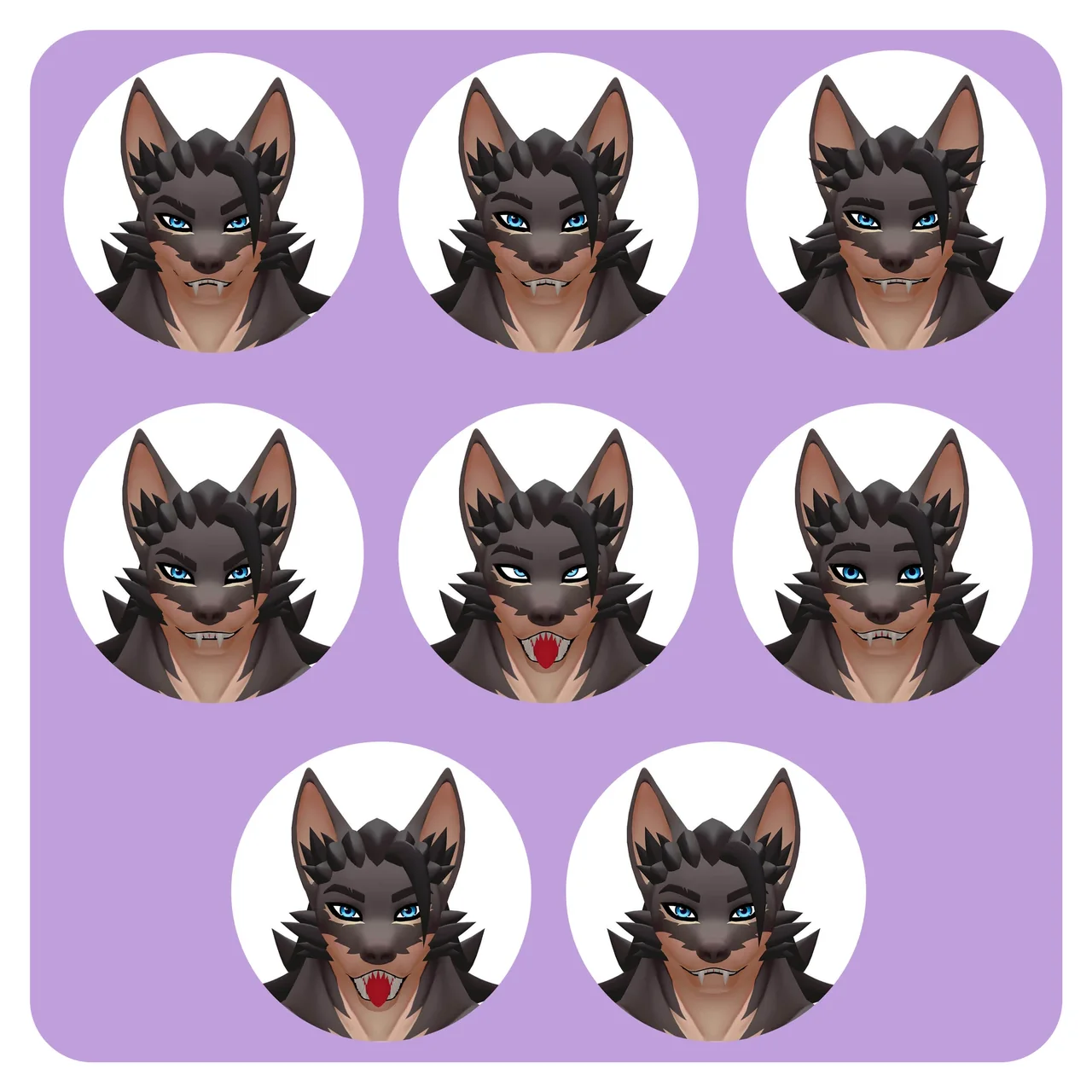
- A blendshape set: the 52 ARKit shapes for face capture, visemes for dialogue, and named custom expressions.
Numbers help here too. LueLue carries 99 working shape keys; Brutus, a creature base, carries 104. If you need ARKit, our guide to the 52 ARKit blendshapes lists every name and what it drives.
7. Deliverables
List every file you expect to receive, in the format you will import: FBX or another exchange format, the source files, textures as layered sources and exported maps, an engine package if you want one configured, and documentation. NumiNumi, for example, was delivered as a Blender file, FBX, a Unity package and PSD textures with UV layouts.
Variants belong here as well. Outfits, skins and toggles each add files, and each needs a name in the list.
Close the section with a definition of done, the last of Lemon Sky’s five items: the checks a delivery must pass to count as accepted. For a character, that can be a clean import into your engine version, triangle counts within budget as the engine reports them, names that follow your rules, and every agreed shape present by name. It separates “delivered” from “accepted”, and it protects both sides.
8. Milestones and review owners
Put a review at the end of each stage that is expensive to undo: blockout, sculpt, topology, textures, rig and facial system. Our guide to how a 3D game character is made explains what to check at each one.
Then name people. Who reviews each milestone, and who gives final approval? Lemon Sky recommends that one owner merge all feedback into a single set of notes before it reaches the outside team. Three reviewers sending three sets of notes is the fastest way to spend a revision round. State how many rounds each milestone includes.
9. Budget range
A range is not a negotiating move. It tells the studio which scope to propose. With a range, a studio can answer “this fits, with a smaller facial rig” or “this covers two characters if they share a base” instead of quoting the full wish list and losing you on price. Our guide to 3D game character costs lists published ranges by style.
Add the payment structure you prefer: per asset, per milestone or a monthly team. Rellward character projects start at US$ 4,000.
10. Usage rights
Settle rights before work starts, not at handoff. The DEV producer’s guide lists rights ownership, the number of revision rounds, payment terms and jurisdiction as points to agree in the contract, and suggests that your own lawyer reviews it. In the brief, state:
- Who owns the character and the files at the end, and when ownership transfers.
- Whether the studio may show the work in its portfolio, and from what date.
- Whether an NDA is needed, and the reveal date if there is one.
This guide is not legal advice. It lists the questions; your contract answers them.
Five gaps that cost a revision round
- “Game-ready” or “optimized” instead of a triangle number per platform.
- An engine named without a version or render pipeline.
- A front view only, with the back left to interpretation.
- A face described as “expressive” instead of a list of shapes.
- Several reviewers and no final approver.
Each one is cheap to close in the brief and expensive to discover in review.
Send it
A filled template is enough to start. Paste it into the brief form, or email it with your references. Vitor reviews every brief personally and replies within one business day with questions or a proposal that lists each stage, review and file with its price and date.
Testing a new partner before you commit a roster? A pilot character starts from this same kind of spec, on one character.
Sources
Sources: Lemon Sky, game art outsourcing guide, DEV, choosing an outsourcing studio: a guide for producers and art directors, Unity manual, Humanoid Avatar.
